Steps for Completing Course Evaluations
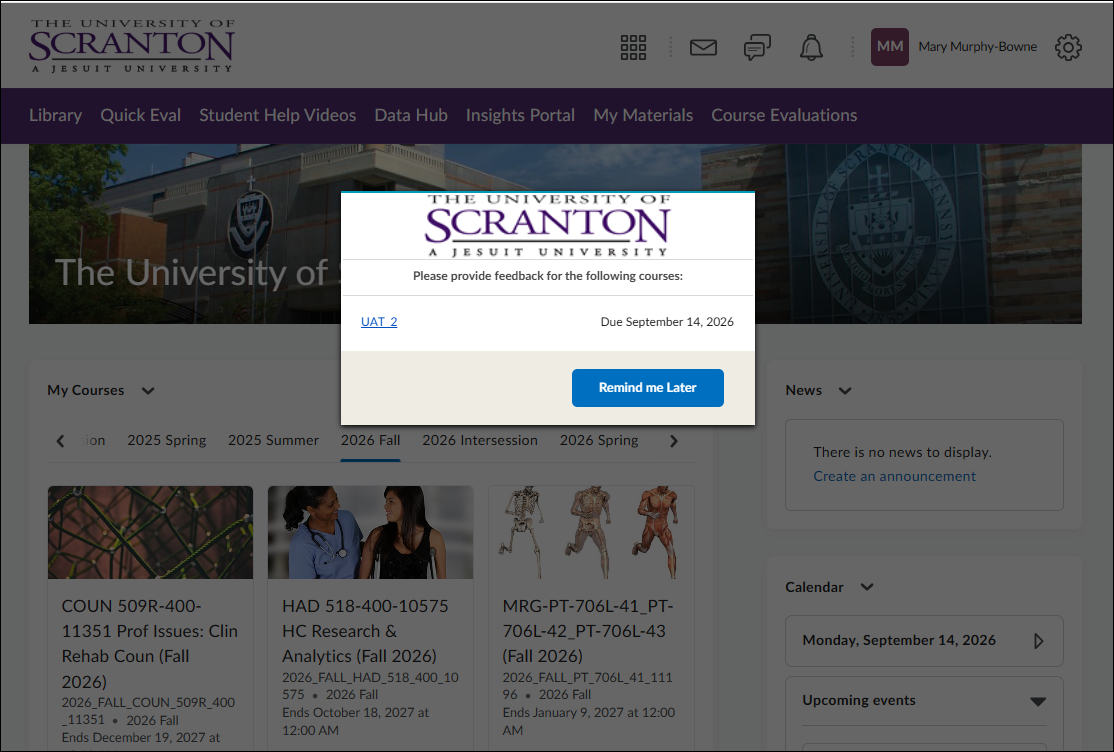
- When it is time to complete your course evaluations, you will receive an email. You can access the evaluations from the link in the email. You should also see a pop-up message on the page of Brightspace. Select Remind Me Later if you need to come back to complete the evaluations. This message will stop when you complete all your evaluations.
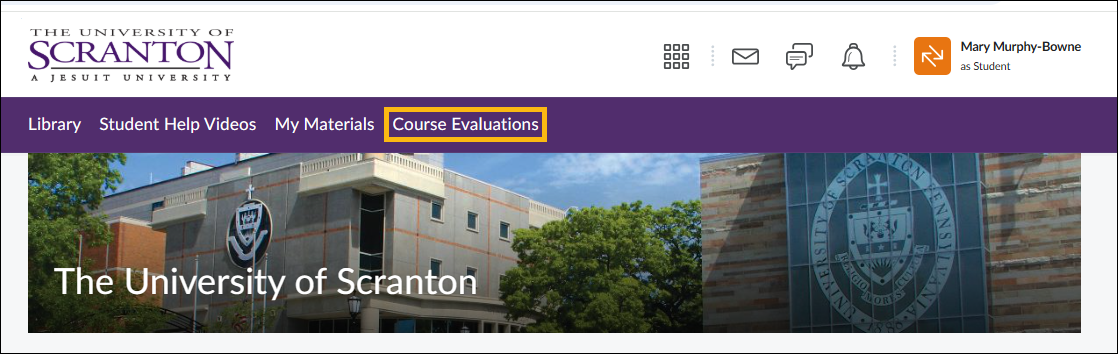
- When you return, you can access your evaluations from the navigation bar on the home page of Brightspace.
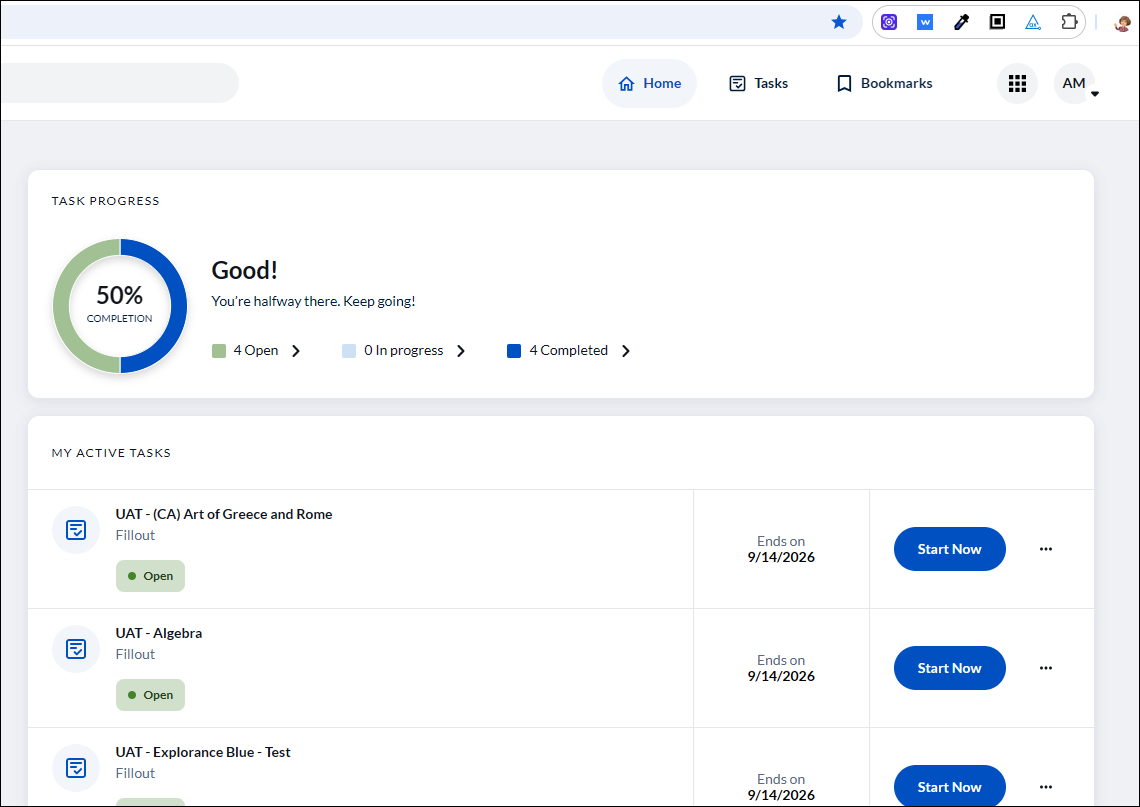
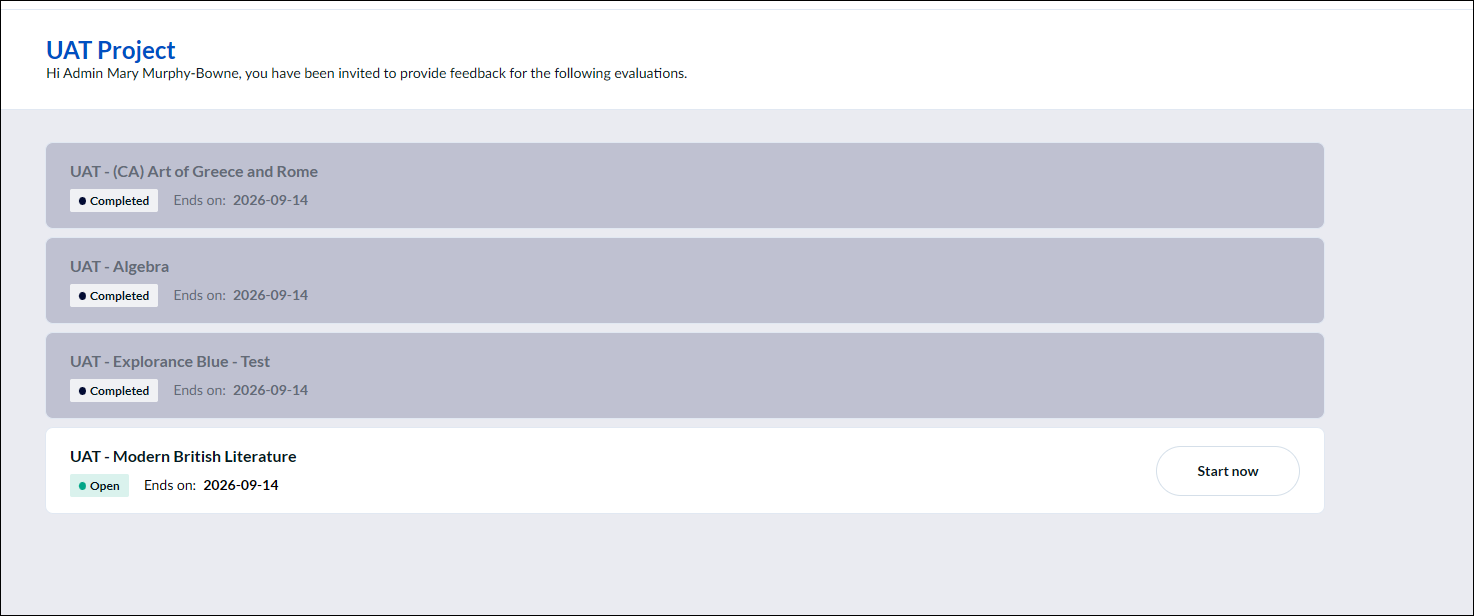
- When you access the course evaluation system, you will see a full list of all the courses you need to evaluate. Select Start Now to begin with the first course.
- As you submit evaluations, you will receive a message confirming that the evaluation was submitted successfully. You will then have the option to continue to the next evaluation.
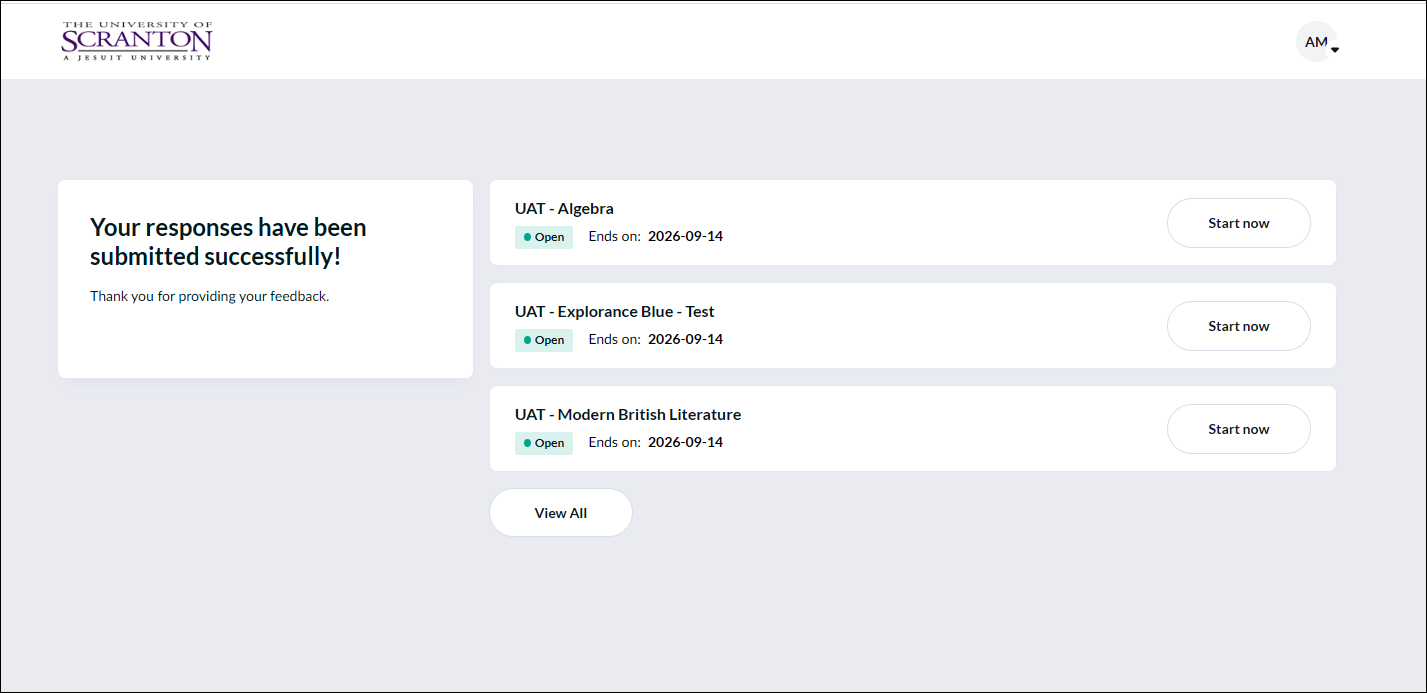
- If you select View All from the bottom of the list when you successfully submit an evaluation [image above], you can see a view of your completed evaluations [image below]. However, you will not be able to go back and edit them after they are submitted.
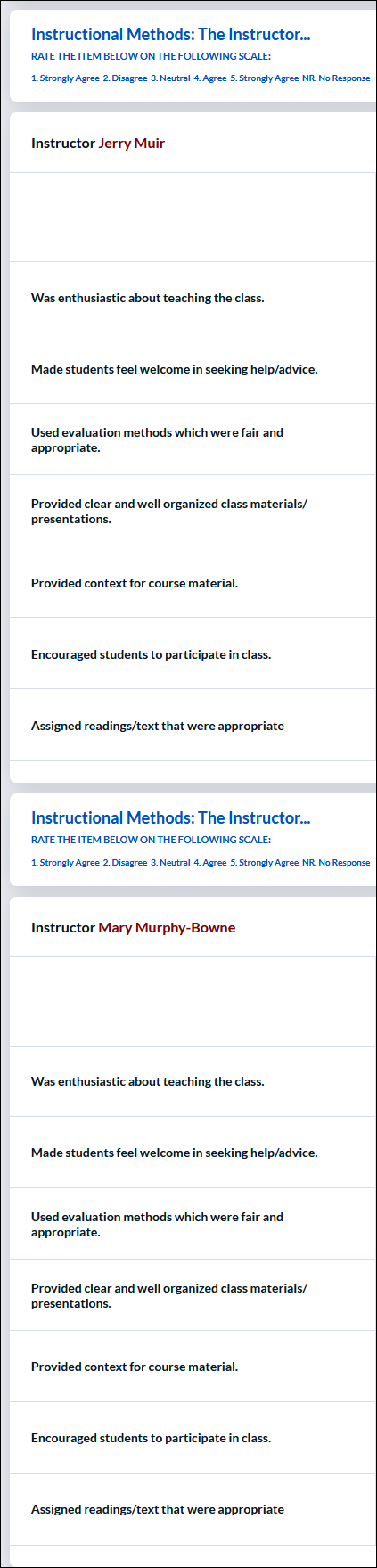
- If you have two instructors, you will see the same questions about the instructor for both. The remaining questions are about the course and will only be asked once.
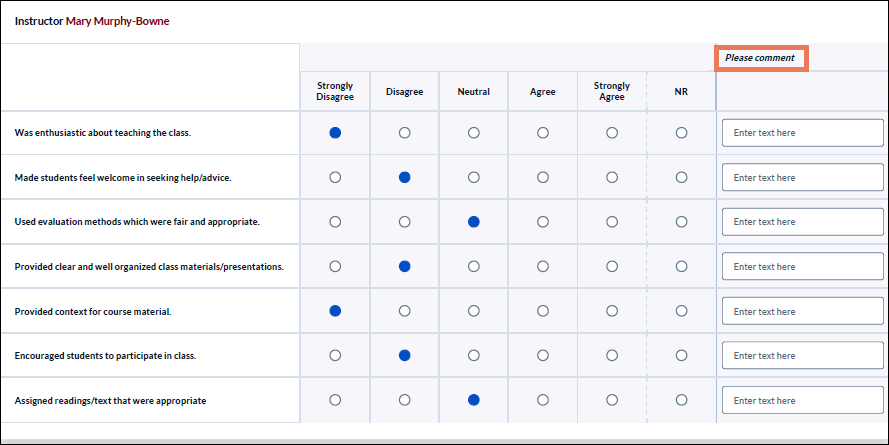
- When answering questions, select the response that best reflects your opinion, from Strongly Disagree to Strongly Agree. If a question is not applicable or you do not wish to answer it, select N/R for No Response. Please include applicable comments. Instructors find them particularly helpful.
Please visit this link for course evaluation Frequently Asked Questions
If you have questions or comments about the evaluation process, please contact your professor, OCE@scranton.edu.
Center for Teaching Excellence
Contact Us:
- The Center for Teaching Excellence
- 800 Linden Street
- Scranton, PA 18510
- The University of Scranton
- Phone: 570.941.7870